After the drop
Debrief, the drop journal, and what to change next time.
What it's for
When the sale is over, After closes the loop. The debrief reads what the drop actually produced from your durable ledger — orders, spend, which Accounts came through — and drop memory keeps every drop you've run so the next one doesn't repeat a setup that cost you. Neither invents anything: both read the ledger and show you what's there, or show you a blank.
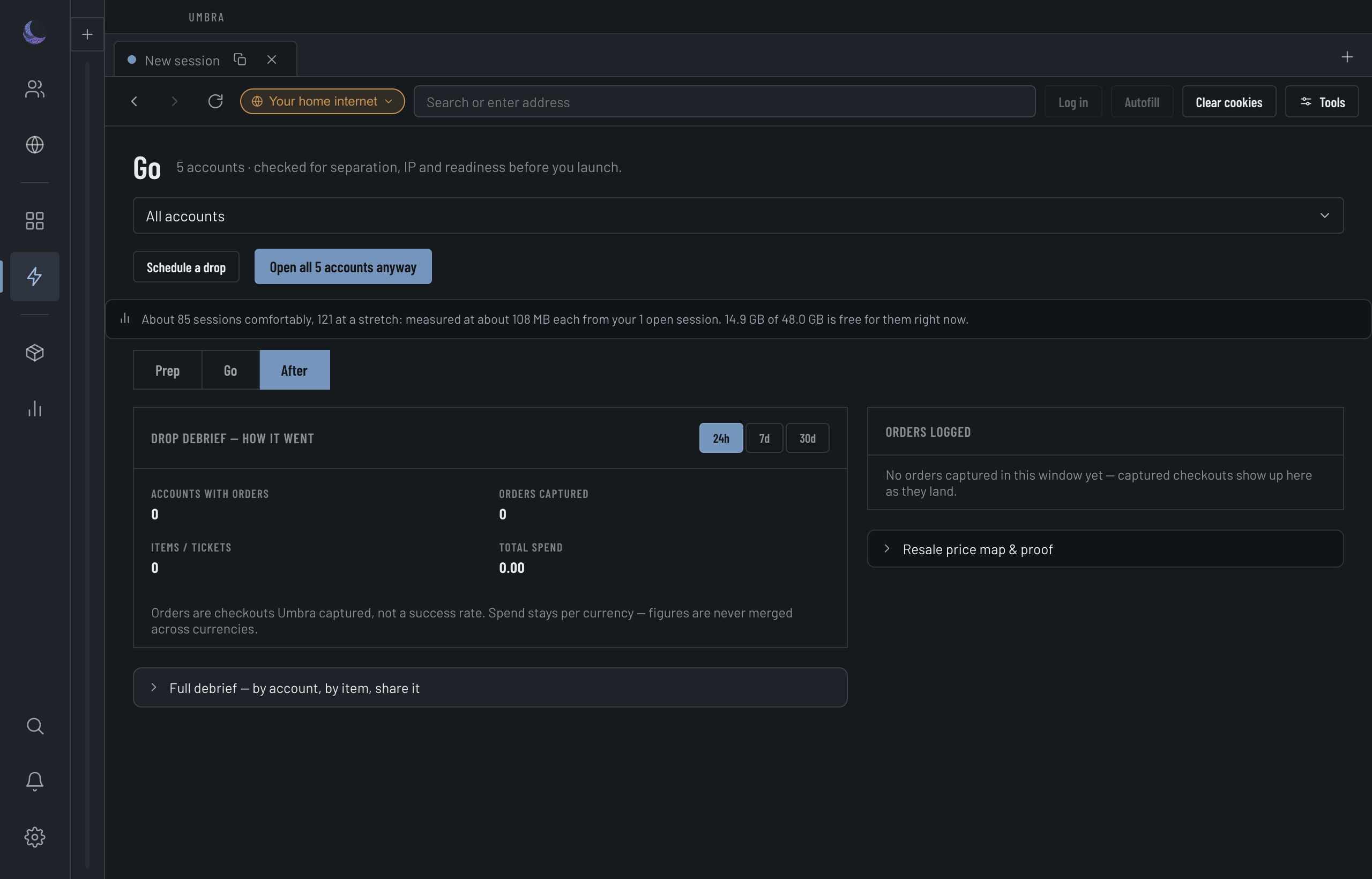
What the drop produced
The debrief is scoped to the drop set you ran and a look-back window (24h, 7d or 30d). It answers "what did this drop produce?" and nothing more:
Read from the ledger, never invented
Every number comes from the durable ledger. If a drop captured nothing in the window, the panel says so plainly rather than dressing up a blank. Orders that exist but can't be linked to an Account in this scope are disclosed separately, so a scoped, orderless window never reads as a flat "nothing happened" when there were orders it simply couldn't attribute.
Share it
One button copies the debrief; another posts it to a webhook channel you've configured. Both send the same aggregate.
Drop memory: the pattern across drops
Drop memory lists every drop you've run with the conditions it ran under — a dead proxy, an Account on your home internet, a linkage, a Fingerprint that looked off, a datacenter exit, or a clean all proxied & separate — and the outcome read from the ledger beside it. It surfaces the pattern behind your empty drops, and the cockpit reuses the same analysis to warn you before a drop repeats a costly setup. It shares the drops view with Reports.