Sign-ins, autofill & codes
Logins, form details and one-time codes per Account.
What it's for
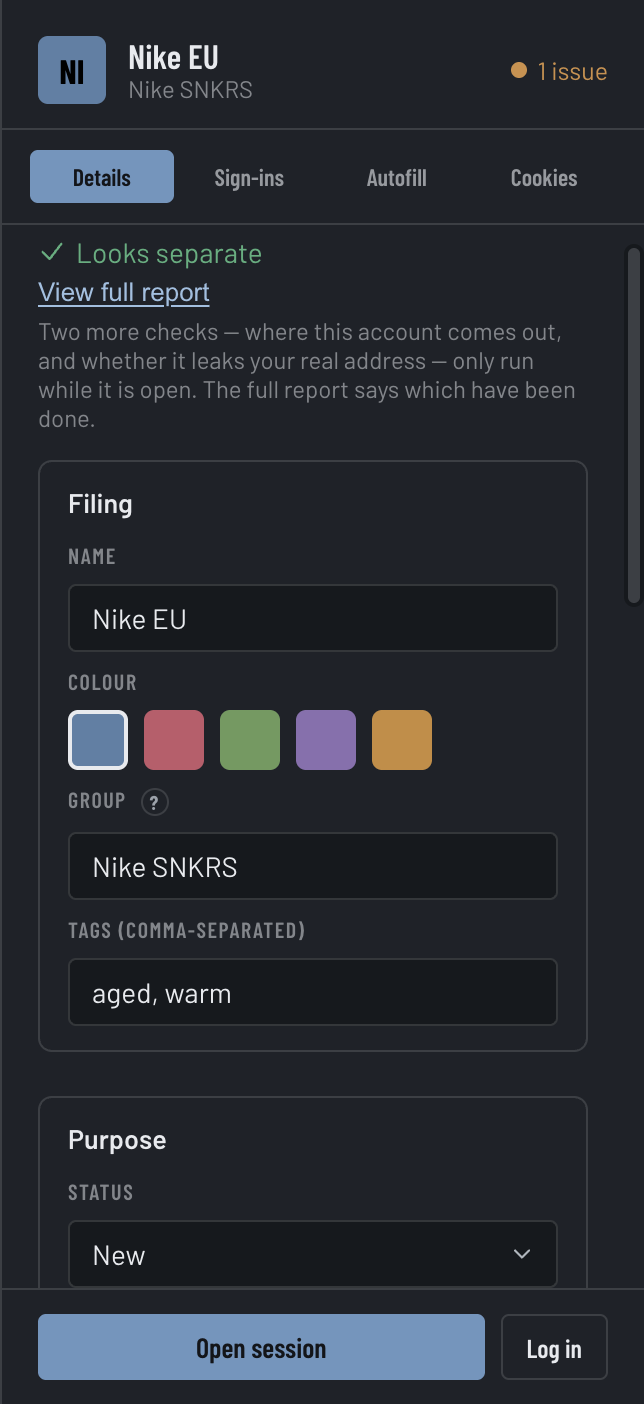
Each Account carries its own way in: the sign-ins you've saved for it, the autofill details it uses at checkout, and the one-time codes that land for it. All three live per-Account and are filled into that Account's Session only — never mixed with another's. They sit in the inspector, on the Sign-ins, Autofill and (folded under Sign-ins) Codes panels.
Saved sign-ins
Add the credentials a site needs under Sign-ins. The Log in button does the whole flow: it opens the Account's Session if it isn't already, then fills the saved sign-in that matches the current page.
Passkey (Ticketmaster)
An Account whose retailer is Ticketmaster also shows a Passkey panel, so you can sign in with your device's passkey instead of a password. Set up passkey and Open Ticketmaster sign-in both open Ticketmaster's own page in that Account's Session — on its proxy, with its fingerprint — and your device shows its own Touch ID or system prompt. Umbra never sees the key, and doesn't track whether one exists: the panel's Passkey status reads "Not tracked", because the key is held by Ticketmaster and your device.
Platform support says whether this copy of Umbra can use a passkey at all:
- Available — a signed macOS build.
- Unavailable — Touch ID passkeys are macOS only — on Windows.
- Unavailable — needs a signed build — a Mac build that wasn't signed with Umbra's developer identity.
- Unavailable — the platform refused configuration — macOS declined to set it up.
Autofill
The Autofill panel holds one set of checkout details per Account — name, email, phone, address, and card. On a checkout page it fills them in one click, including the card security code even when the site keeps it inside its own payment box. The card is shown masked, last four only. If a field can't be filled, Umbra says which one rather than reporting a success it didn't have.
One-time codes
The Codes fold, under Sign-ins, reads one-time verification codes for this Account from its linked inbox — both authenticator codes and codes that arrive by message — so you copy the code without leaving Umbra.
Where the secrets live
Sign-ins, autofill and codes are per-Account and stay on your machine. Umbra keeps the credentials in its main process — the counts you see in the interface are computed there, so your saved passwords aren't pulled into the UI just to render a number.