Automation API
Drive Umbra from Playwright or Puppeteer, behind your key.
What it's for
Two ways to drive Umbra without steering every click by hand: the command palette for your own keyboard, and the Automation API for your own code. The palette is for everyone; the API is aimed at developers wiring Umbra into their own scripts or into Playwright, and it's off until you turn it on.
The command palette
Press ⌘K (or Ctrl+K) anywhere to open the palette and search every action by what it does. Results are grouped — Sessions, This session, Go to, Automation — with the keyboard shortcut shown beside anything that has one. Arrow keys walk straight through the group boundaries, Enter runs, Esc closes.
The Automation group is the page-level automation you'll reach for on a drop:
Auto-refresh only reloads a page — it navigates, it never clicks — so it sits on the safe side of the line with everything else Umbra automates.
Turn the Automation API on
The API is a small HTTP control server that lets external tools list and open Accounts, navigate Sessions and run your saved scripts. Enable it in Settings → Developer tools; it's off by default.
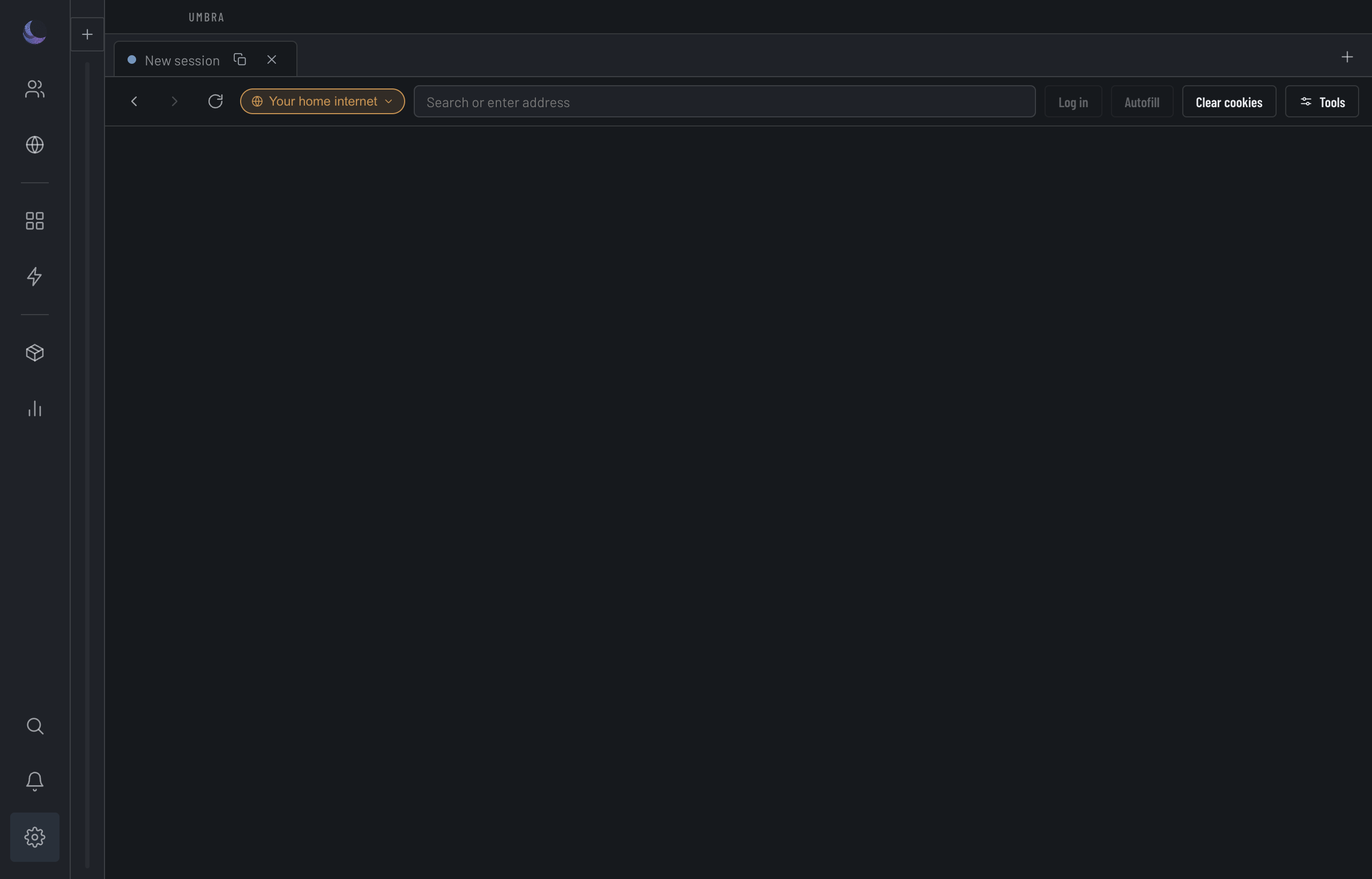
Once on, the pane shows the Endpoint (http://127.0.0.1:8799 by default), the Token, and a Regenerate token button. Every request carries the token as a header:
Copy the endpoint and token
Both are read-only fields in the pane — click to select.Send the token on every call
AddAuthorization: Bearer <token> to each request. Without it, the server answers 401.Regenerate if it leaks
One click mints a new token and invalidates the old one.What the API can do
The surface is small and deliberate. The paths keep the code's own names — profiles for Accounts, tabs for Sessions — even though the app says Account and Session everywhere else.
{ "url": "…" }.{ "scriptId": "…" }.A first call looks like this:
curl http://127.0.0.1:8799/profiles -H "Authorization: Bearer <token>"
curl -X POST http://127.0.0.1:8799/profiles/<id>/open -H "Authorization: Bearer <token>"
Localhost only, token-guarded
The API opens a port on your machine, so how it's reached is the whole security question. Two things bound it.
Attaching Playwright or Puppeteer
Enable Playwright / Puppeteer attach (CDP) in the same pane to expose a Chrome DevTools endpoint for connectOverCDP. Fetch the WebSocket endpoint from GET /cdp (token-guarded), or open an Account and get its page target from POST /profiles/<id>/cdp.
What the API can't do
None of these verbs is a buy button. The API lists, opens, navigates, closes, and runs a script you saved — there is no checkout or click endpoint. Run executes one of your own Site-helper scripts, which is arbitrary JavaScript you wrote, and Umbra runs it exactly as written without vetting it. So if your own code makes a committing click, that's your code doing it, not Umbra: the no-buy guarantee covers Umbra's managed automation, not the scripts you author and choose to run. When you want automation that's safe to fire unattended, a Routine is the type that can't express a buy at all.