Assigning & rotating
One exit per Account, rotated on launch, a timer, or a dead check.
What it's for
Assigning is how an exit gets onto an Account; rotating is how it gets swapped for a fresh one. Umbra does both on one exit per Account — it spreads your pool so no two Accounts share an IP by accident, and it only ever moves an Account to another exit, never to none. Come here to fan a pool across a fleet before a drop, to turn on automatic rotation, or to understand exactly when — and when not — an exit changes under you.
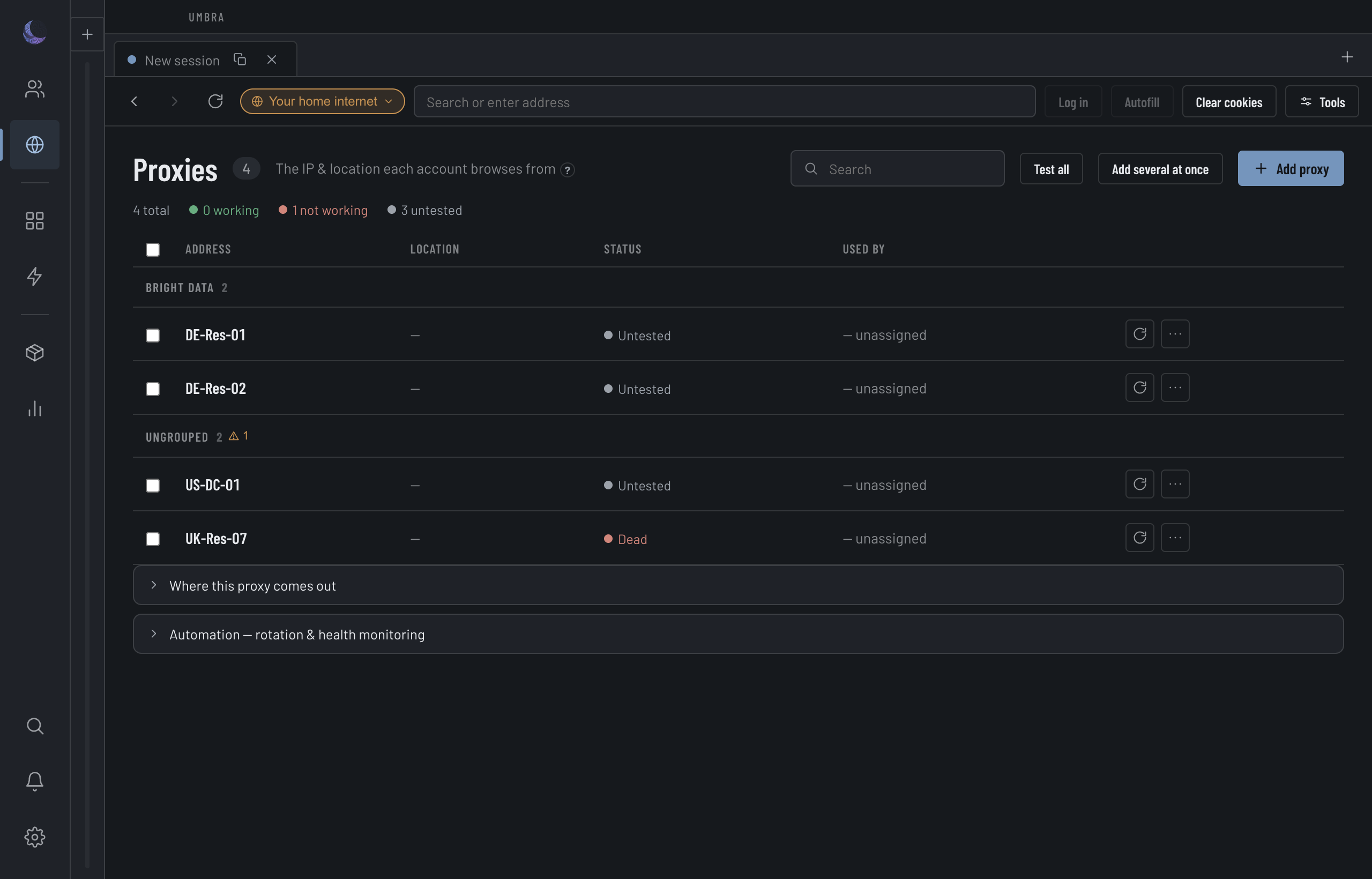
One exit per Account
Every assignment runs through a single choke point: point the Account at the exit, stamp the exit's fairness clock so the picker fans your fleet out evenly, and realign the Account's clock and locale to the new exit's region. Nothing that moves an exit can forget one of those three, because they are the same call.
Distribute spreads a whole pool at once — pick a proxy group and a mode, and Umbra hands one exit to each Account. On the "only unassigned" path it excludes exits another Account already holds, so a top-up can't quietly re-forge a shared exit.
Automatic picks take turns. Cycle, rotation, recovery from a dead exit, Distribute, de-link and a new Account made from a template each run one at a time, so two that overlap can't both see the same exit as free. If a move already running hands the exit you just chose to another Account, your change is refused with that Account's name. Pick another.
When rotation fires
Rotation is off by default. When you turn it on, an exit changes only on the trigger you chose.
The pick order is least-recently-used by default, so a fleet fans out instead of stacking on one IP. You can narrow the pick to the current exit's group, match the current exit country, avoid blacklisted IPs, or take residential exits only.
Live Sessions are never rotated
This is the guarantee that lets you leave rotation on during a drop. All of an Account's Sessions share one browser partition, so swapping its exit while a Session is open would re-point that shared connection mid-checkout — the exact identity jump Umbra exists to prevent. So an Account with a live Session is skipped, and a held cart is never yanked out from under you.
An empty pool skips — it never strands
The failure you care about is the silent one: a rotation fires, finds nothing eligible, and drops the Account to your home connection. Umbra does the opposite.
The same fail-closed rule guards the launch that a rotation precedes. If an Account still names an exit but that connection was deleted, opening it is refused, not sent direct.
Bulk-distribute reports what it couldn't cover
A pool smaller than your fleet does not force a bad assignment. Distribute covers what it can and tells you the rest — it does not silently leave Accounts on your home internet and call it done.
Tuning the pick
Once a trigger is on, the policy controls decide which exit gets chosen. Least-recently-used keeps the fleet fair; within group and match country keep a rotation from wandering off a provider or a region; avoid blacklisted and residential only trade pool size for exit quality. None of them can conjure an eligible exit that isn't there — when the narrowed pool is empty, the skip rule above still holds.